How to Redeem Dead Spells Codes
Find Mr. Lizard, enter the code, Claim — then spend Burgers on better classes.
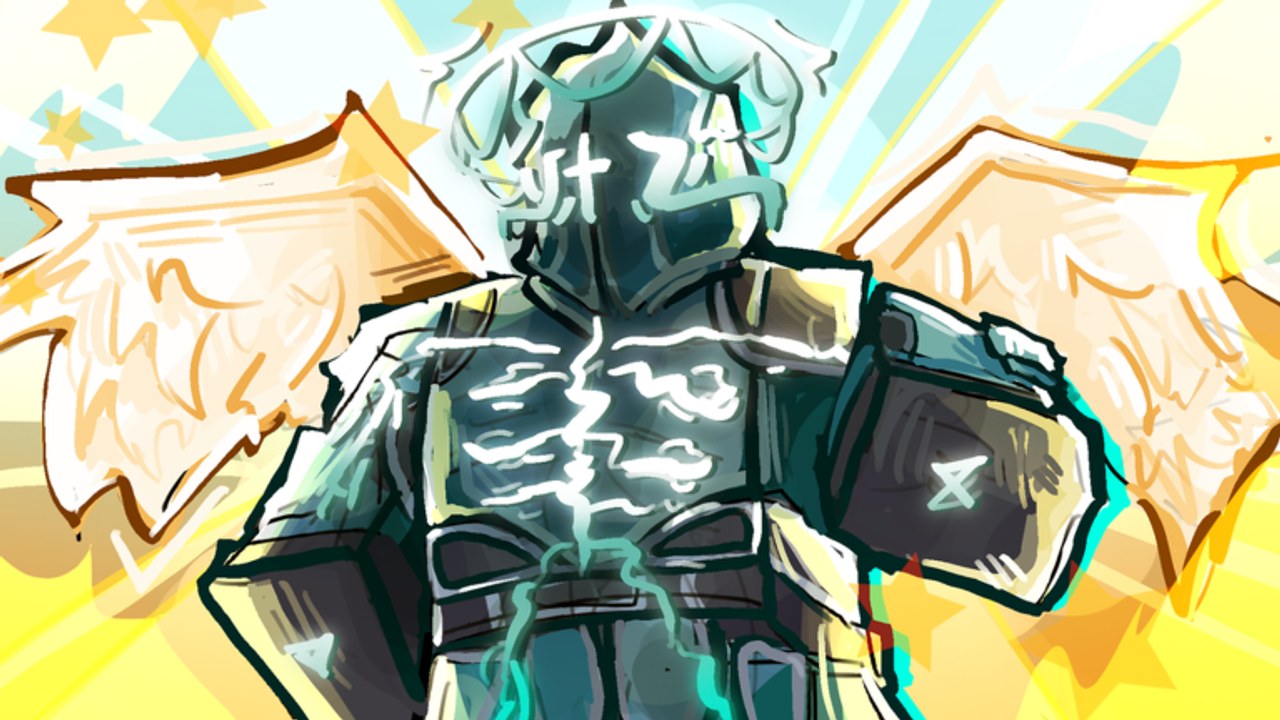
Redeeming codes in Dead Spells takes under a minute once you know where Mr. Lizard stands. Codes are lobby-only: claim them before you commit to a carriage run so you can immediately dump Burgers into the class crystal. This page is the full walkthrough; the live list lives on the Codes Hub.
Before you start
- Launch the official experience: Dead Spells by Personal Path on Roblox.
- Stay in the lobby / spawn hub. Do not board the wagon yet.
- Have the active codes copied from the Codes Hub — currently including 34MVISITS, 72KLIKES, 118KFAVORITES, 131KMEMBERS, and Carrot.
- Optional: join the Personal Path Discord so you catch the next milestone drop the moment it lands.
Burgers from codes feed the same economy as sold loot and Robux shop packs. If you are brand new, redeem first, then read getting started and Burgers and classes before rolling everything away.
Step-by-step redemption
1. Load into the lobby
Open Dead Spells and wait until the hub finishes loading. You should see other players, the class shop crystal, and boardable cart area. Codes are entered here — not mid-run on the road.
2. Find the blue lizard (Mr. Lizard)
Turn toward the noticeboard / fountain side of spawn. Look for a blue lizard NPC with a monocle or hat. The prompt above him references entering codes. He is easy to miss if you sprint straight to the wagon gate, so slow down on first join.
3. Press E to open the codes UI
Walk up until the interact prompt appears, then press E. A small panel opens with an “Enter code here” (or similar) field and a Claim button.
4. Paste the code exactly
Paste one code at a time. Watch capitalization and avoid trailing spaces. Milestone codes are usually all caps without spaces (118KFAVORITES). Word codes like Carrot should match the published spelling.
5. Hit Claim and verify the reward
Press Claim. You should see Burgers (and Candy on event codes) credit to your account. Close and reopen the panel if the UI lags, then redeem the next code. Do not leave the server until every active code on the Codes Hub shows as claimed or rejected with a clear “already redeemed / expired” message.
What success looks like
After a clean redeem, your Burger balance rises in the lobby currency display. Open the class crystal shop to confirm the new balance. From there you can:
- Roll for a random class (pity now softens dry Rare/Epic/Legendary streaks).
- Buy a specific class when you hit the listed Burger price — mythics such as King, Necromancer, and Defected-Shogun are expensive but run-defining. See the mythic classes deep dive and the class tier list.
Troubleshooting failed codes
| Problem | What to try |
|---|---|
| “Invalid” on a brand-new code | Soft leave and rejoin so you land on a server with the latest build. |
| Code worked for a friend but not you | Confirm exact spelling; some older codes needed win milestones — active description codes listed on our hub do not. |
| Nothing happens on Claim | Re-open the lizard UI, check connectivity, and avoid spamming Claim. |
| Already redeemed | You already claimed it on this account; move to the next code. |
| Expired | Remove it from your list; check the hub for replacements. |
If data looks wrong after a redeem, Personal Path asks players to ticket through the community Discord rather than re-rolling endlessly.
Lobby routing that saves time
Efficient lobby loop for returning players:
- Redeem at Mr. Lizard.
- Check updates / Discord for patch notes that changed prices or pity.
- Decide roll vs buy using Burgers and classes.
- Queue with a class that matches your plan — best solo if you are alone, or a complementary kit if you are filling a 16-player server group.
- Review cart and fuel so the first ten minutes of the run do not stall.
Codes and co-op etiquette
Codes are account-bound. Each player in your party needs to redeem on their own client. Do not delay a ready group for ten minutes of typing — redeem before you call people to the wagon. Server size is 16, so lobbies fill fast; having Burgers ready means you can swap class without holding the queue.
After Claim: turn Burgers into distance
Redeeming is not the goal — surviving nights and selling loot is. Pair your new class with:
- Core loop habits from how to play
- Boss prep from the bosses guide (Dojo, Vampire Mansion, Void Reaper, C.O.R.E., Awakened Jerry, Blacksmith)
- Spell priorities from the spells tier list
When the next milestone code drops, return here only if the redeem UI changed; otherwise grab the string from the Codes Hub and repeat the five steps above.
Safety notes
Only redeem through the in-game Mr. Lizard prompt. Never enter Roblox passwords into third-party “code generator” sites. This wiki lists codes and steps; it never asks for account credentials. Exploiting or scripted auto-redeem tools can violate Roblox and Personal Path rules — see the scripts hub disclaimer if you were looking for executors instead of promo codes.
Frequently Asked Questions
Quick answers to the most common Dead Spells questions.
Do I redeem Dead Spells codes in the lobby or on a run?
Always in the lobby at Mr. Lizard before you board the wagon.
What key opens the Dead Spells code menu?
Press E while standing next to the blue lizard NPC to open the enter-code panel.
Can my whole party share one code redeem?
No. Each Roblox account must talk to Mr. Lizard and Claim separately.
Where is the full list of working codes?
See the Codes Hub for the current active table and rewards.